A television someone else sets up.
Most streaming apps assume the person holding the remote wants to configure something. This one assumes the opposite. A son, a daughter, a carer or a friend chooses the channels from their own phone — and the person watching just presses play.
Get it on Google Play for Android TV, Google TV, Android phones and tablets. iPhone and iPad: coming to the App Store.
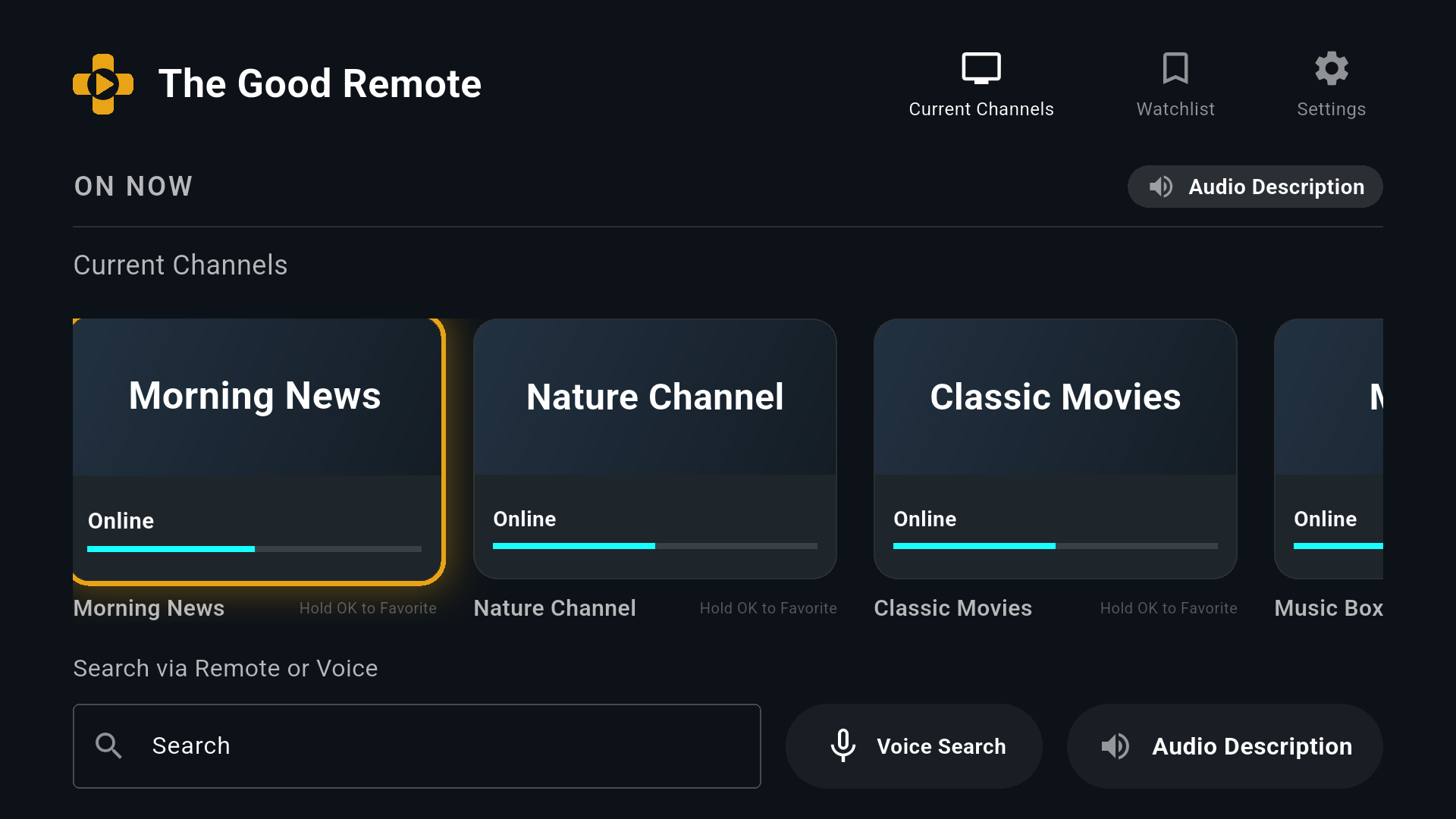
Three steps, and only one of them is theirs
Nobody has to read a manual. The hard part happens on your phone, wherever you are.
Install it on their TV
Android TV, Google TV, or a phone or tablet. It opens straight into the channel list, and Back always leads there again.
Link it from your phone
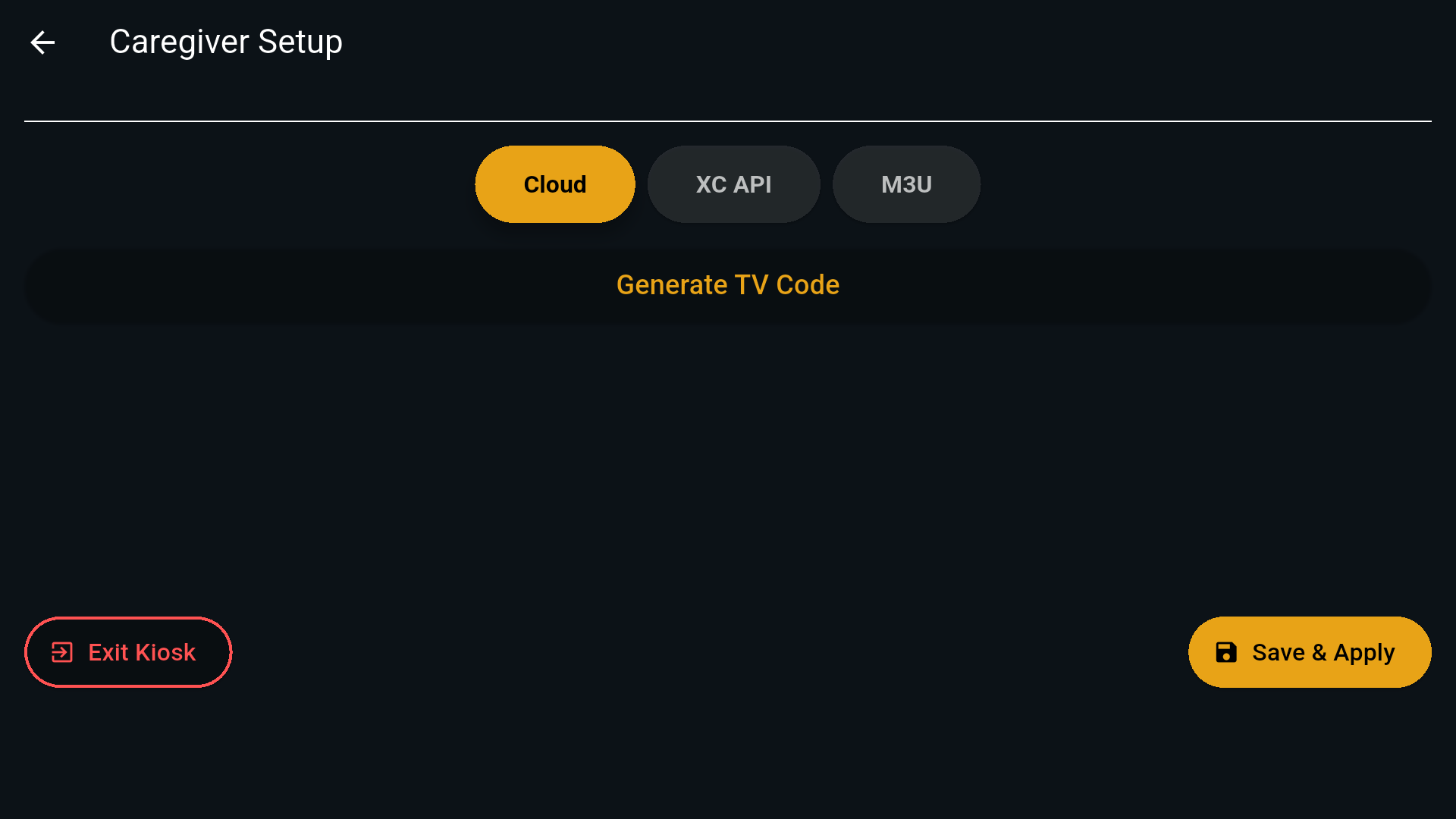
The TV shows a six-digit code. You type it into your helper account once, and the two are paired.
Choose their channels
Add, reorder and schedule from anywhere. The television picks up the change on its own within about a minute.
Built for the person doing the helping
You are probably the one who gets the phone call when the telly goes wrong. This is meant to stop that call.
Changes you make reach the TV by itself. No screen sharing, no talking someone through a menu over the phone, no driving over.
One thing no app can change: on Google TV, the remote's Home button always goes to Google TV's own home screen. If that happens, The Good Remote is in the row of apps there — select it once and they are back on their channels.
Works with the IPTV subscription they already have — an Xtream Codes login or an M3U playlist, set up once on the television itself — or you can point it at any stream address from your phone.
Designed for eyes and hands that need it
Big, and stays big
Large type and high contrast throughout, sized for reading across a room rather than at arm's length.
One thing highlighted
Whatever is selected is unmistakable — a thick amber outline, never a subtle tint you have to hunt for.
Reads itself aloud
Turn on Read Aloud and the TV says the channel and what is on, as you move along the row.
Voice search
For anyone who would rather say the name of a channel than spell it out with a d-pad.
No way to get lost
There is no settings maze to fall into. Back always returns to the same familiar row of channels.
Survives a stumble
If a stream drops, it reconnects on its own instead of leaving someone staring at an error.
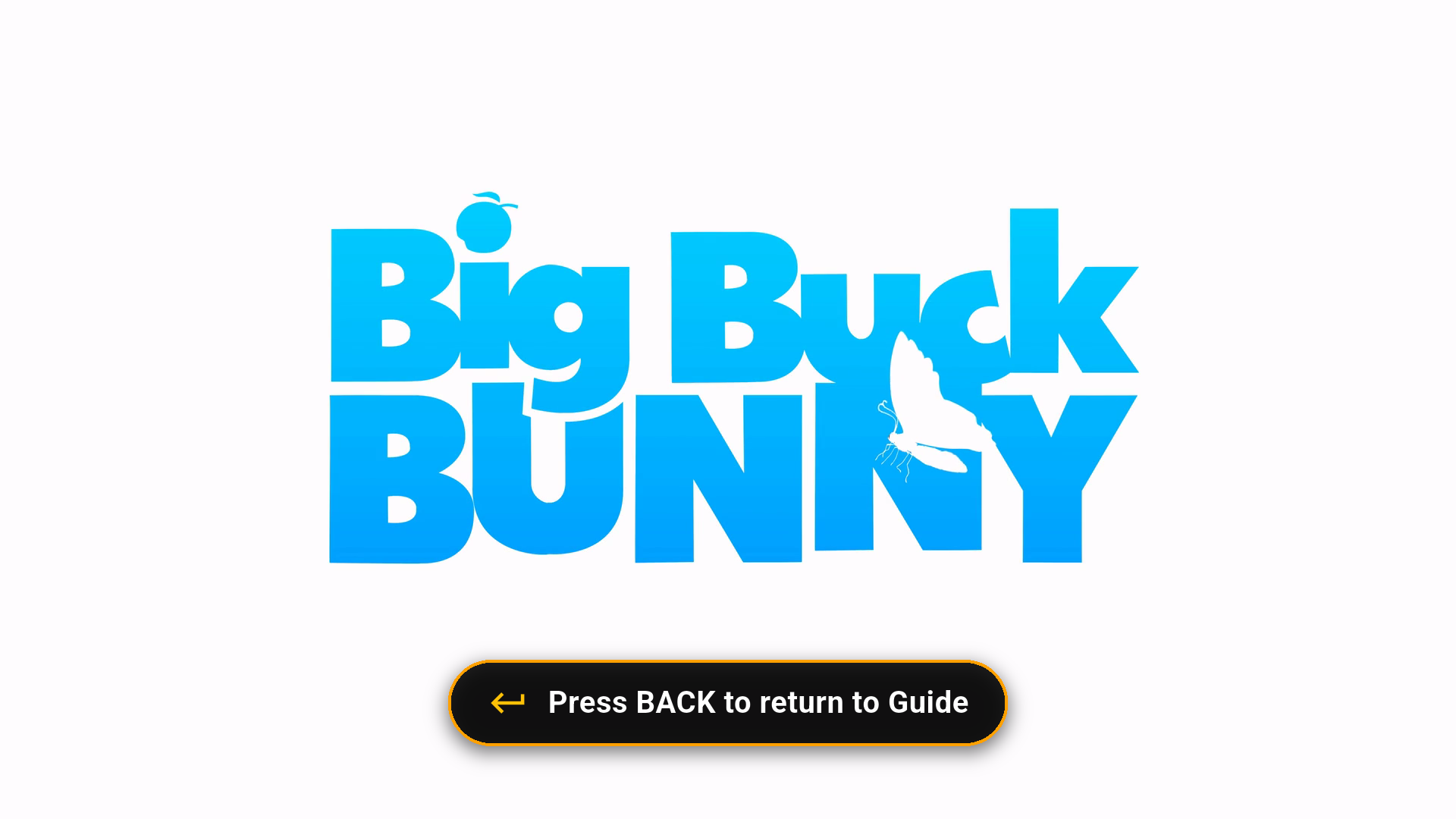
And when they are watching, they are just watching
Full screen, no clutter, and a single reminder of the one button that takes them back. That is the whole interface.
Set up a television today
Create a helper account, install the app on their TV, and type in the code it shows you.
The same app on an Android phone is the helper's remote control: your televisions, their channels and hours, from your pocket. iPhone and iPad: coming to the App Store.